 QRJiffy
Free QR Code Generator
Unlimited free QR codes for links, WiFi, menus and 38 more types. Add your logo, skip the watermark, edit anytime.
Just your email to download · no password needed
Short link:
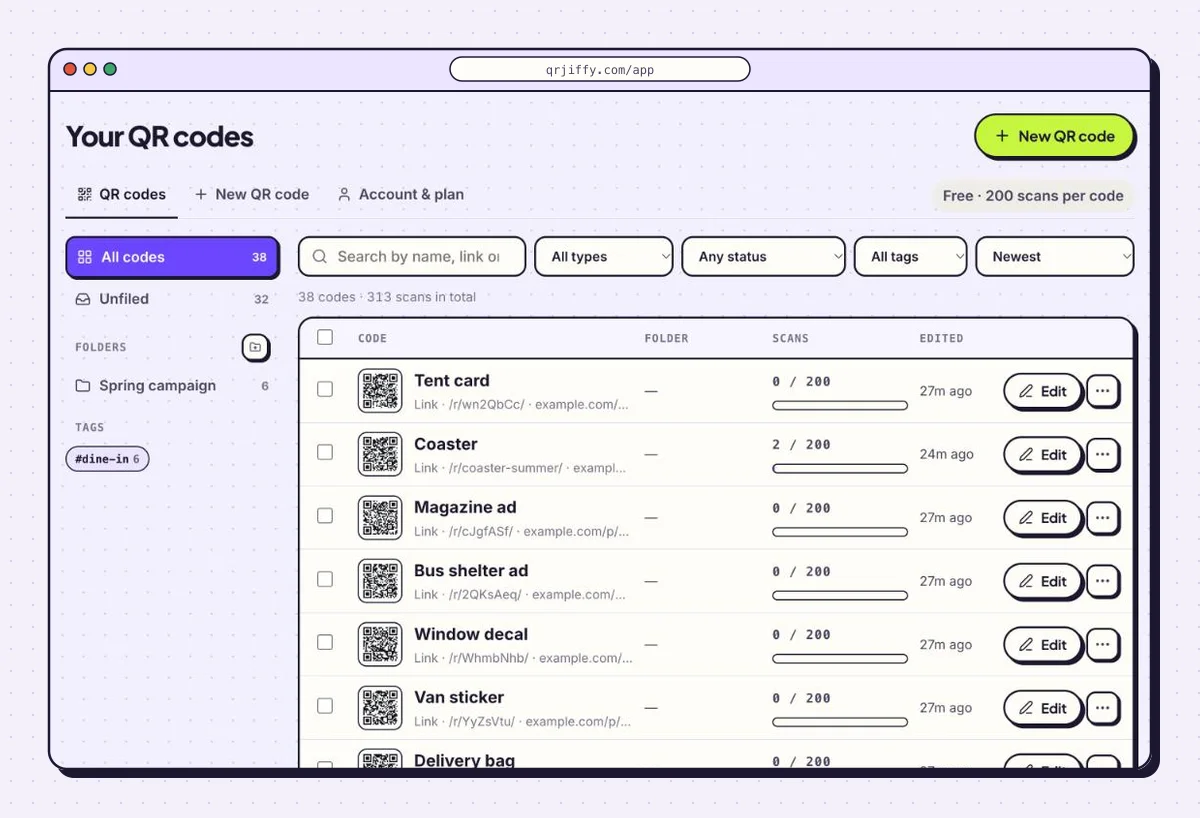
Change where it points any time — the printed code stays the same. Free for 200 scans.
What does a free QRJiffy account include?
A free account saves every code you download, lets you change where it points after printing, and shows how many people scanned it.
- Edit after printing. Point a printed code at a new page; the pattern stays the same.
- See every scan. Daily scans, devices and countries for each code.
- All codes in one place. Restyle, pause or download any code again.
What is a QR code?
A QR code (Quick Response code) is a square two-dimensional barcode that stores up to 2,953 bytes of data, which a phone camera reads in under a second.
Denso Wave invented the QR code in 1994 for tracking car parts, and the format is standardised as ISO/IEC 18004. Its three corner squares let a scanner read the code from any angle, and its error correction restores up to 30% of a damaged code.
What can a QR code do?
A QR code can open a website, join a WiFi network, save a contact, start a call, message or email, add a calendar event, show a location, or point to a file or page. QRJiffy groups its 41 QR code types into five categories:
Everyday QR codes
Links, text, WiFi, contacts, calls, messages and calendar events — the payloads every phone camera reads natively.
Social media QR codes
Send scanners straight to a profile, channel or chat so they can follow, subscribe or message in one tap.
File and media QR codes
Share PDFs, images, video and audio from a printed surface without asking anyone to type a link.
Business QR codes
Menus, reviews, feedback, forms, landing pages and profiles that turn foot traffic into actions.
Payment and product QR codes
Take payments, publish product data, prove authenticity and run promotions from packaging and point of sale.
Where do QR codes work best?
QR codes work best where people already hold a phone and want one quick action: on cards, signs, tables, invitations and posters. Each guide below starts with a ready-made generator.
 Restaurant tablesMenus and ordering by phone
 Business cardsSave your contact in one scan
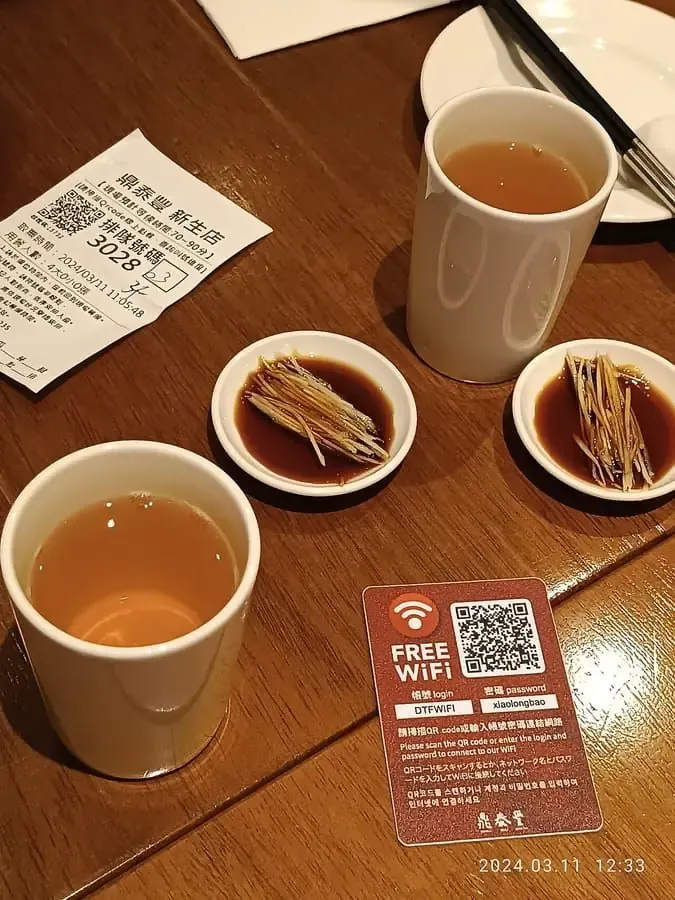
 Guest WiFiJoin without typing a password
 MemorialsA life story beside the stone
 Schools and tripsWorksheets, trips and sign-ups
 DonationsGive in seconds, no cash needed
 Scavenger huntsOne clue per scan
 Link in bioAll your profiles, one code
How do you create a QR code?
You create a QR code in four steps: choose a type, enter the content, style it, and download it.
- Choose the QR code type that matches the action you want — a URL opens a page, WiFi joins a network, vCard saves a contact.
- Enter the content in the form. The preview updates live and “Show encoded data” displays exactly what the code stores.
- Style the code with a dark foreground on a light background, and raise error correction to Q or H for outdoor or rough print.
- Download and test — SVG for print, PNG for screens — and scan the file with your own phone before you publish it.
How much does a QR code cost on QRJiffy?
Every QR code on QRJiffy is free for its first 200 scans, and Pro removes the scan limit on all your codes for $30 a year. There are no per-code fees and no watermarks.
Free
- All 41 QR code types
- 200 scans
- Logo, colours, PNG and SVG
- Free account saves every code
Pro · $30 a year
- Everything in Free
- Unlimited scans on every code
- $2.50 a month, billed yearly
How do you make sure a QR code scans?
A QR code scans reliably when it is large enough for the viewing distance, has strong contrast and keeps a blank quiet zone around it.
| Factor | Rule |
|---|---|
| Size | At least 2 × 2 cm; about 1/10 of the scanning distance |
| Contrast | Dark modules on a light background; never invert for print |
| Quiet zone | Four modules of blank margin on every side |
| Data length | Shorter content = larger modules = faster scans |
| Error correction | M indoors; Q or H outdoors, on curved surfaces or with a logo |
| File format | SVG for print, PNG for screens |
QR code generator FAQ
Is QRJiffy really free?
Yes. Every QR code is free for its first 200 scans, with no watermark — sign up free to download and manage your codes. Pro removes the scan limit for $30 a year.
How many scans does a free QR code get?
A free QR code gets 200 scans. One scan is one phone opening the code. Pro covers unlimited scans on every code you create.
Which QR code type should I choose?
Choose the type that matches the action you want: open a link (URL), join WiFi (WiFi), save a contact (vCard), start a chat (WhatsApp) or view a file (PDF). Each type triggers a native action on the phone.
Can I add a logo to my QR code?
Yes. The QR code designer adds a logo, dot styles and corner styles for free, and it sets error correction to H so the code still scans.
Can I use my QR codes commercially?
Yes. QR codes you generate are yours to print on packaging, menus, ads and signage with no attribution required. “QR Code” is a registered trademark of DENSO WAVE, but the technology is free to use.
What file format is best for printing a QR code?
SVG is best for print because it is a vector and stays sharp at any size; PNG is best for websites, slides and documents.
Every QR code generator on QRJiffy
QRJiffy has 41 QR code generators, one for each content type, plus ready-made setups for 9 common uses. The most used are first.
Most popular
Social
No type matches. Try “link”, “contact” or “payment”, or see every type.